
Attendance 🔗
Integrating Attendance Features in Canvas LMS
Grade Guardian/Dropout Detective integrates with two attendance systems, Canvas's Roll Call and A+ attendance, allowing users to view student attendance information. Having Attendance integration is a premium feature and requires the setup of your relationship manager. Please reach out to them to purchase the Attendance integration, or contact our team at support@aspiredu.com.
1. Enable Attendance Features 0:00
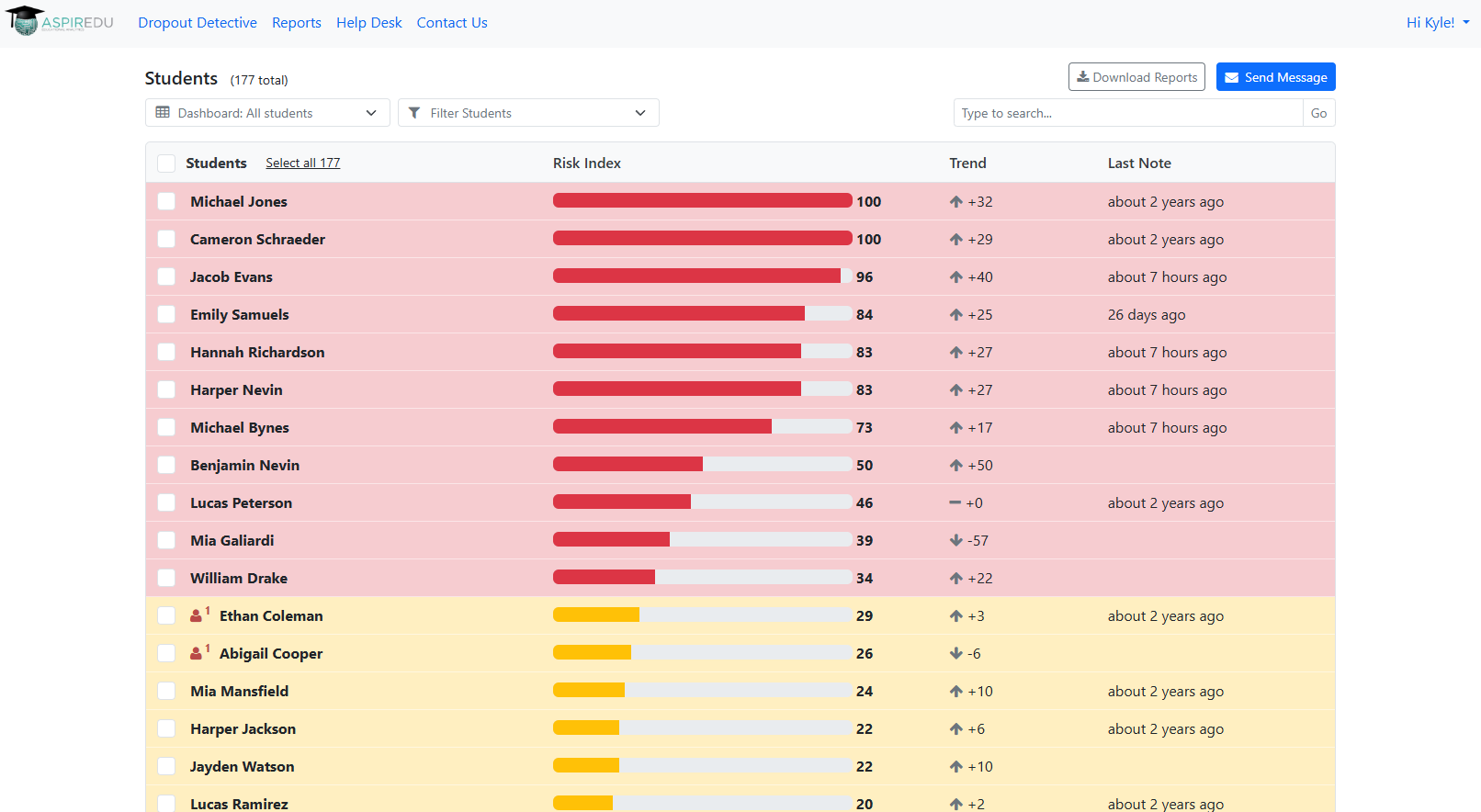
- Integrate the Roll Call attendance feature from Canvas LMS.
- Alternatively, integrate the A+ attendance as a third-party integration.
2. Access Attendance Information 0:19
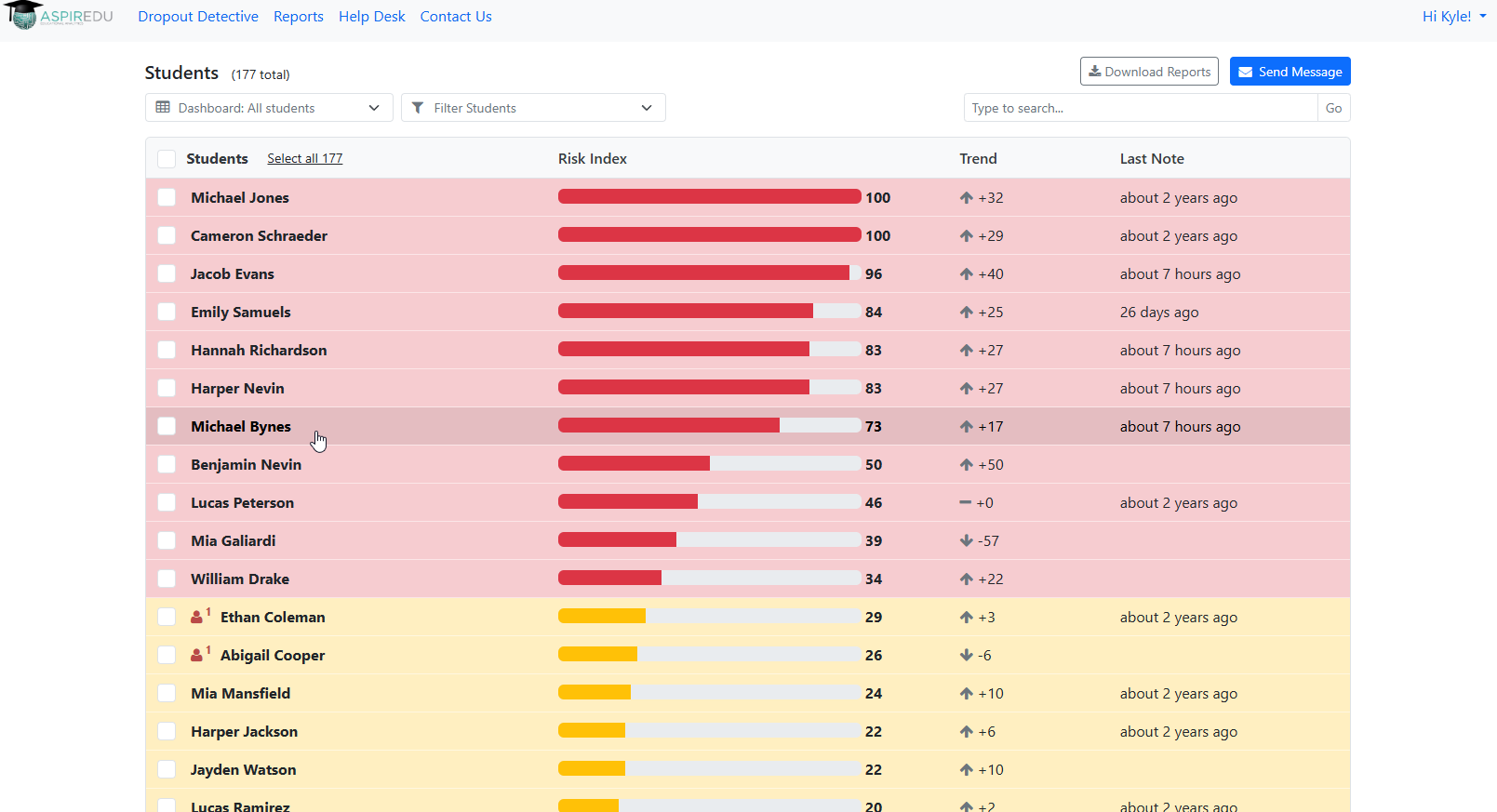
- Once enabled, attendance information will be visible in the student's Dropout Detective report.
3. View Attendance Tab 0:26
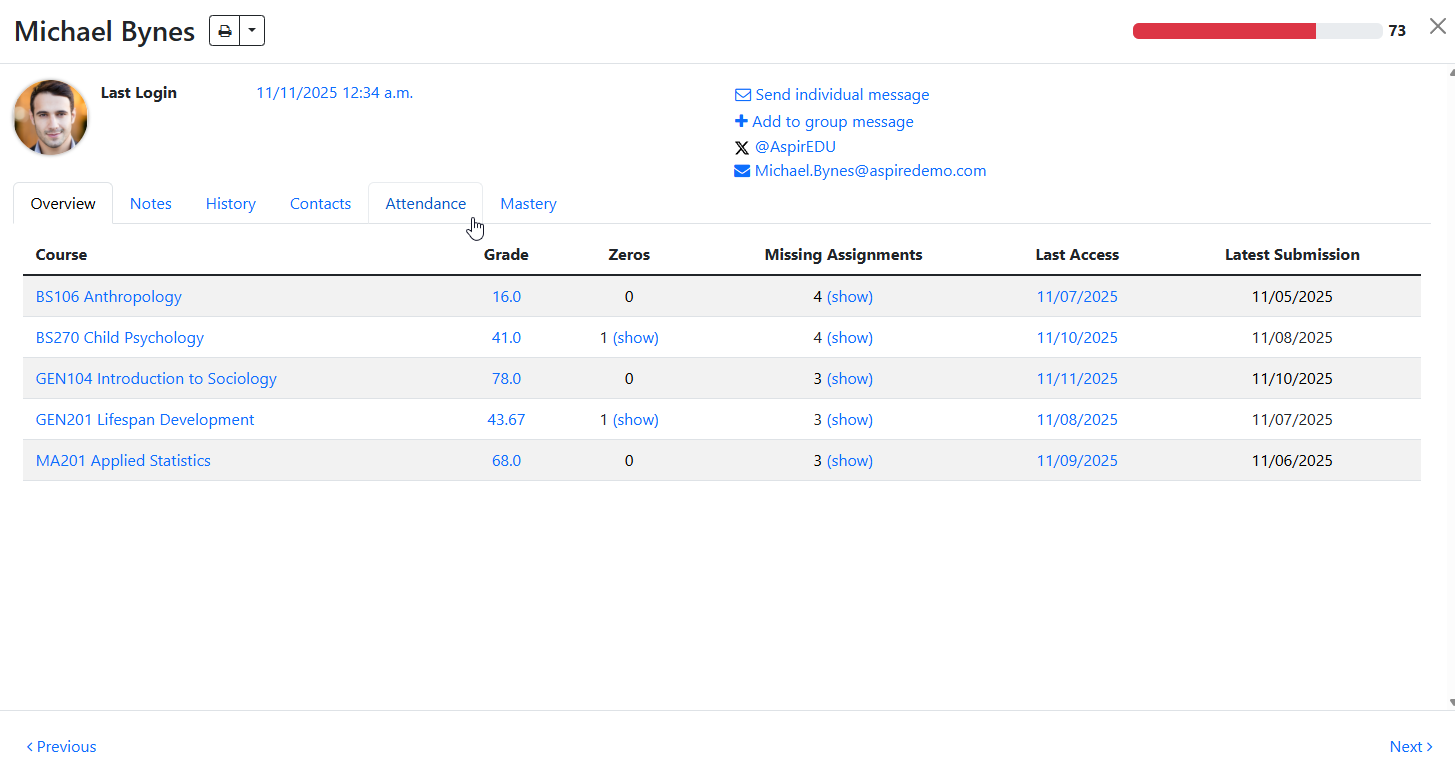
- Locate the new tab labeled 'Attendance' in the Dropout Detective report.
4. Check Attendance for Courses 0:34
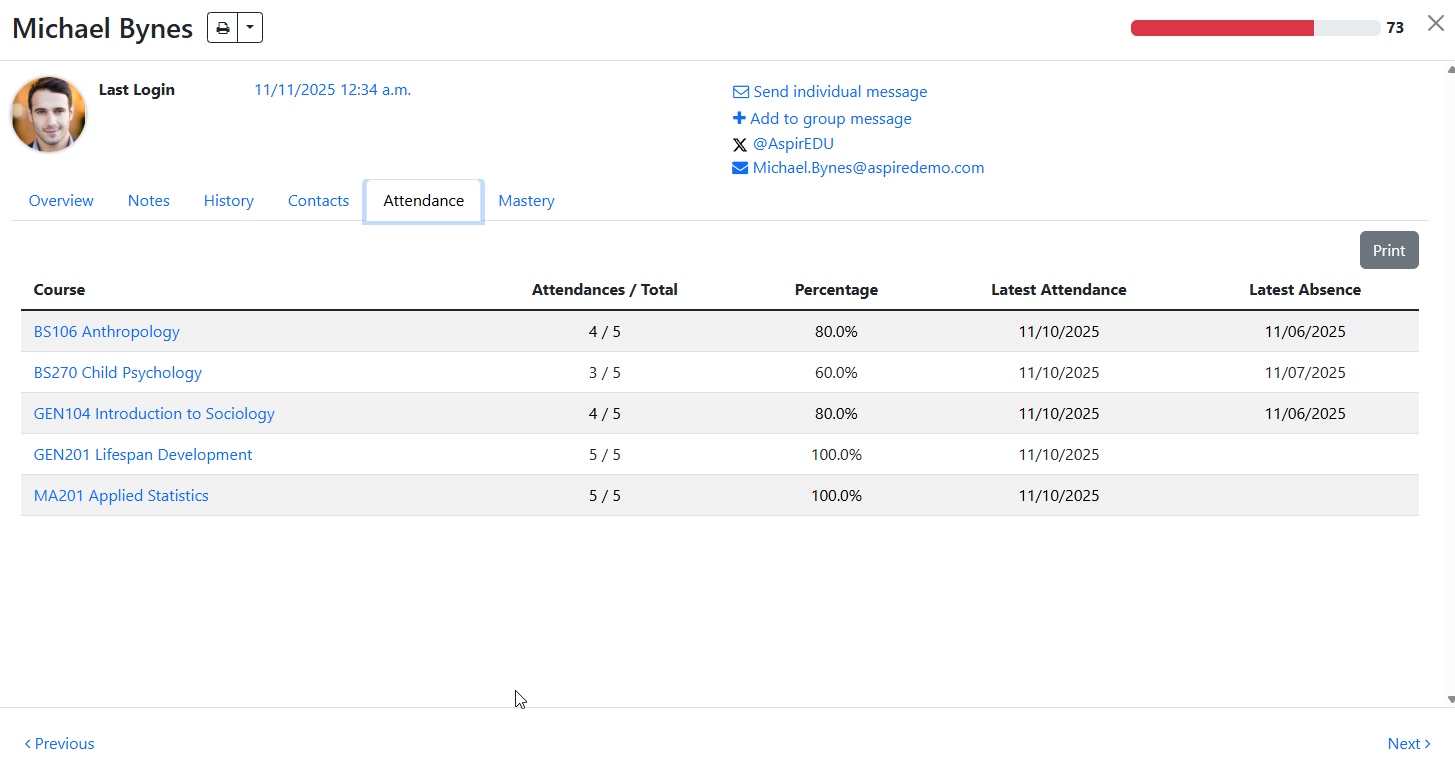
- View attendance for all courses the student is enrolled in during the active term.
5. Understand Attendance Totals 0:45
- If you have full access, you will see attendance data for all courses.
- If limited to your course, only your course data will be displayed.
Cautionary Notes
- Please make sure your Roll Call or A+ attendance is properly integrated by speaking with your Business Relationship Manager.
Tips for Efficiency
- Please check the attendance tab regularly to stay up to date on student attendance.
- You can just familiarize yourself with the integration tools to streamline the process.
Need Help? Reach out to support@aspiredu.com.